



Every engineer gets more done.
Routine analysis runs from a prompt. Engineers review and decide, instead of building each spreadsheet by hand.



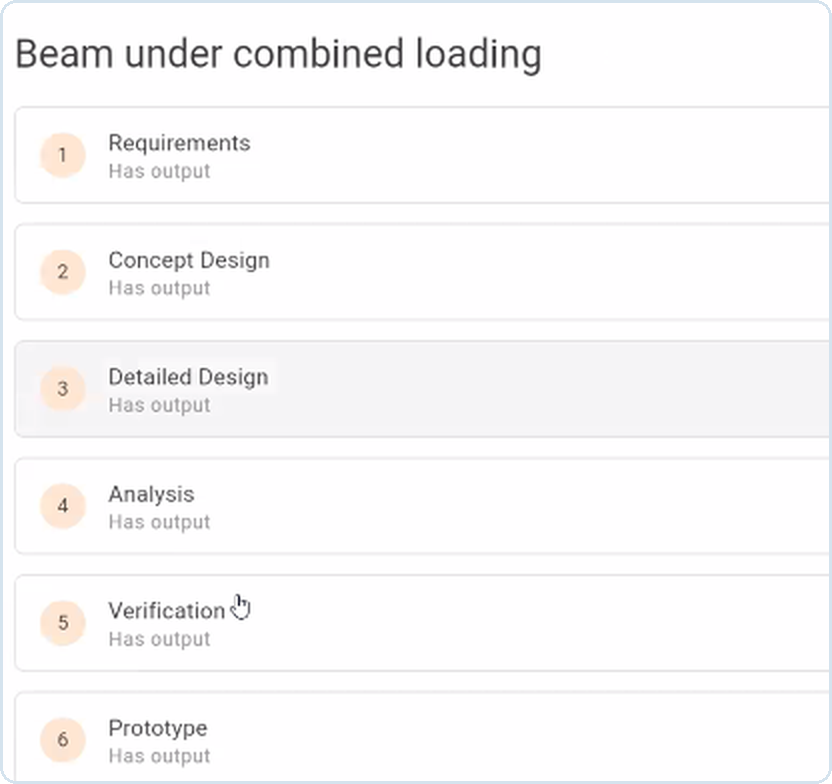
Give it one engineering prompt. It works through requirements, design, analysis and verification, then returns a document you check and sign off.
Prompt in. Verified engineering out.

Engineers lose days to routine analysis and the reports that record it, in every discipline. Maple Loop is an AI agent that does routine engineering analysis and documentation, with the math computed in Maple instead of generated by a language model.
You describe the problem and share your schematics, datasheets and requirements. Maple Loop plans the work, runs the calculations in Maple, reviews each phase, and returns documents an engineer checks and signs off.
It doesn’t replace engineers. It takes the repetitive analysis off their plate, so they spend their time on design decisions.
Routine calculations and their write-ups run from a prompt. Engineers review and decide instead of building each spreadsheet by hand.
Designs are checked against their requirements before hardware exists, so problems show up in the analysis, not on the test bench. Translations have the newer newer version.
Every number is computed in Maple, and every step sits in a document reviewers can open and follow.
Change an input and rerun. The analysis and the documents update together, so the next revision starts from a working calculation, not a blank page.
An addition to your toolchain, not a replacement.
The AI plans the work, Maple does the math, and you make the call. Nothing ships without an engineer’s signoff.
Reads your schematic, datasheets and requirements, then sequences the work.
Exact symbolic and numeric math that is repeatable and traceable.
Each phase is self-reviewed. A larger model audits. An engineer signs off.
General-purpose AI assistants give you an answer; Maple Loop gives you the engineering behind it. On a simple problem an assistant may reach the same number, but it can't give you a traceable, repeatable record your review process can accept.
Maple Loop doesn't stop at an answer. It hands back working files in the tools engineers already use, with the full calculation inside.
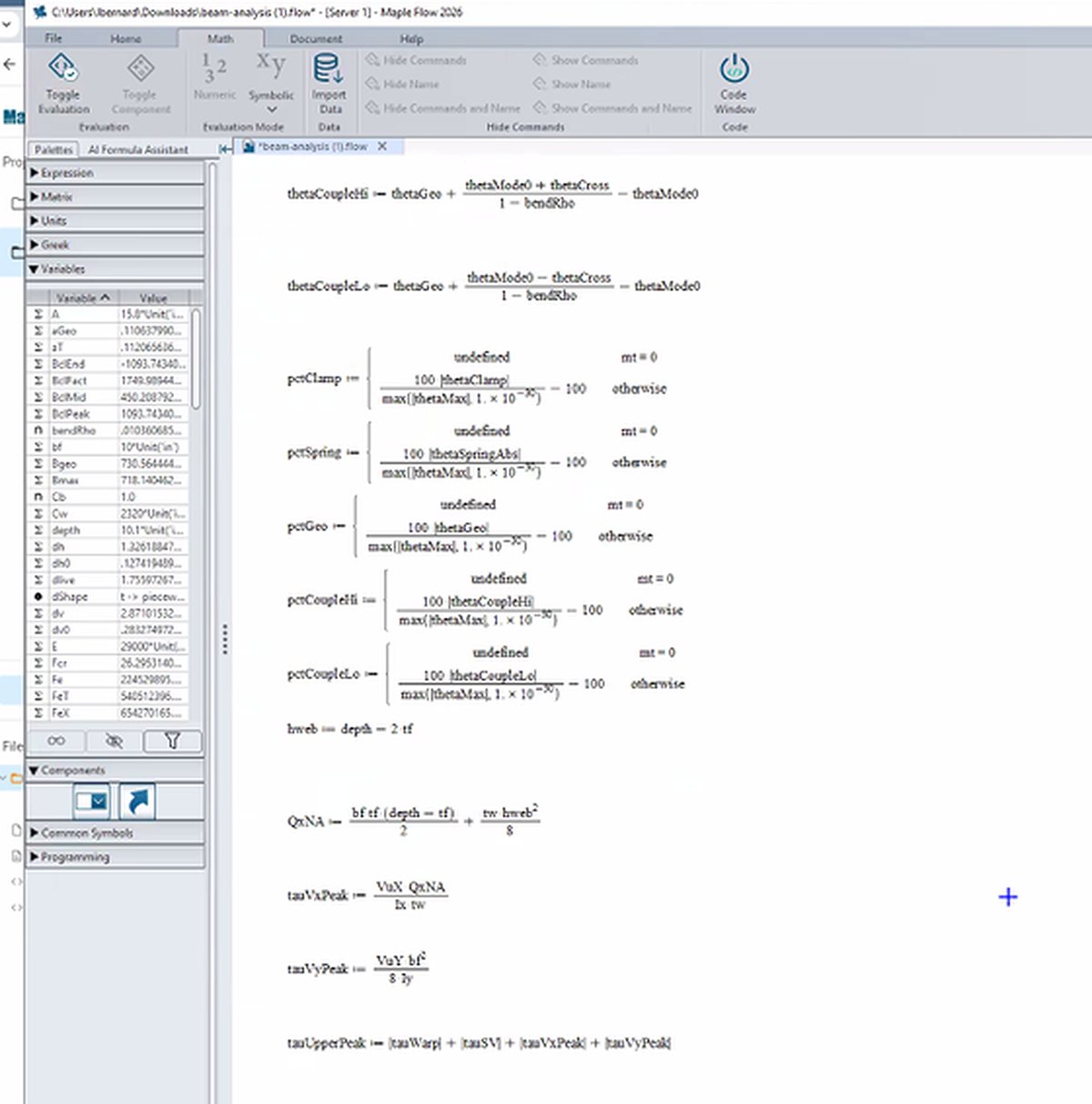
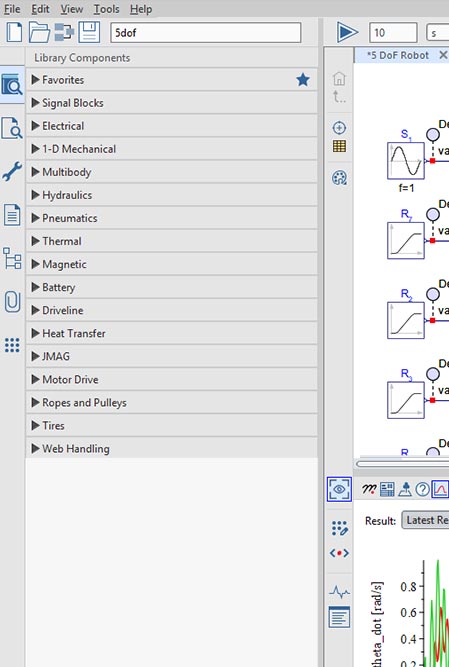
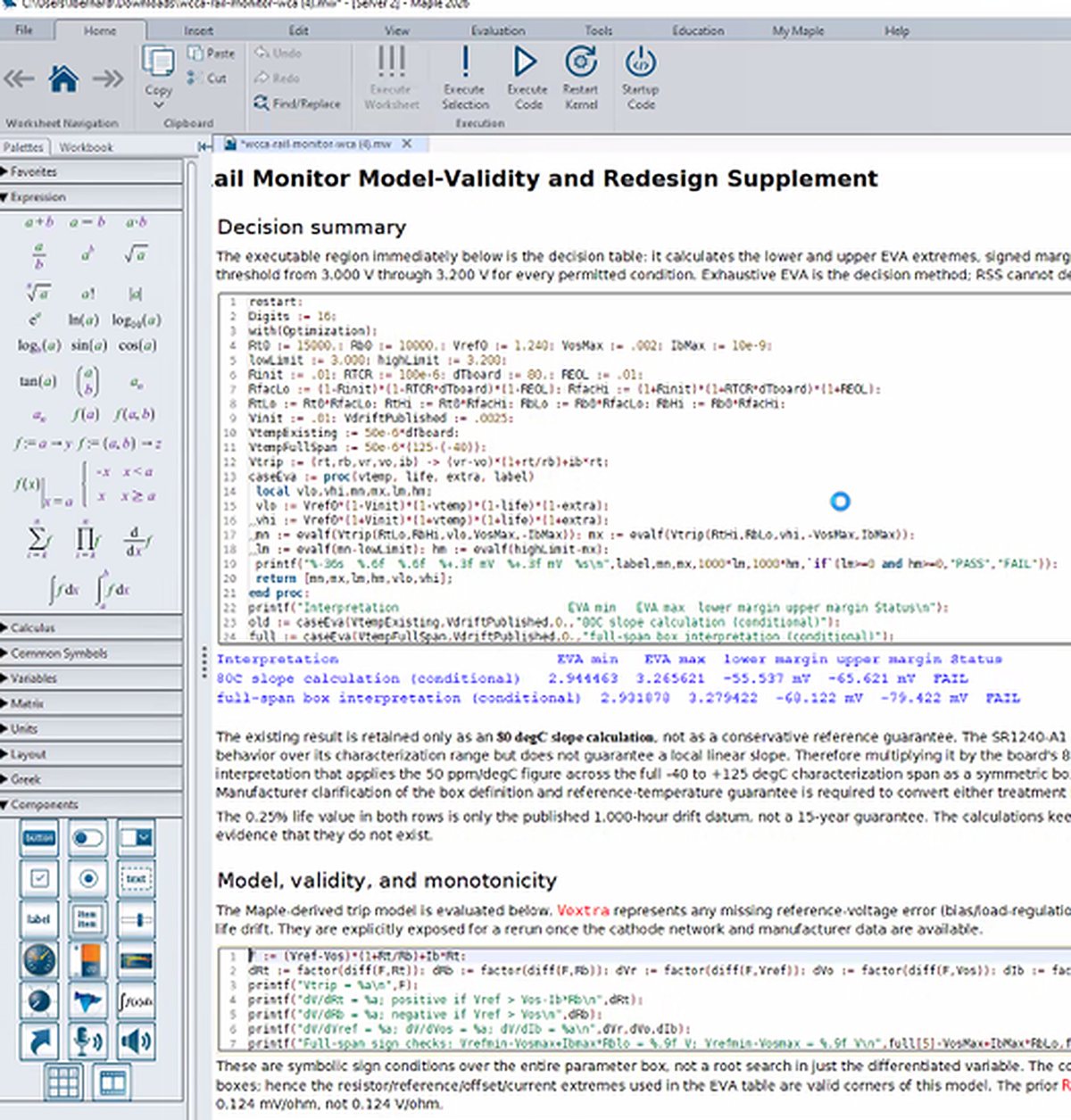
Reports with the math, plots and review notes.
Fixed records to share and archive.
Tolerance tables you filter and extend.
Findings and fixes for design review.
Code that reproduces the analysis.
Shareable pages for your team.
Imagine asking
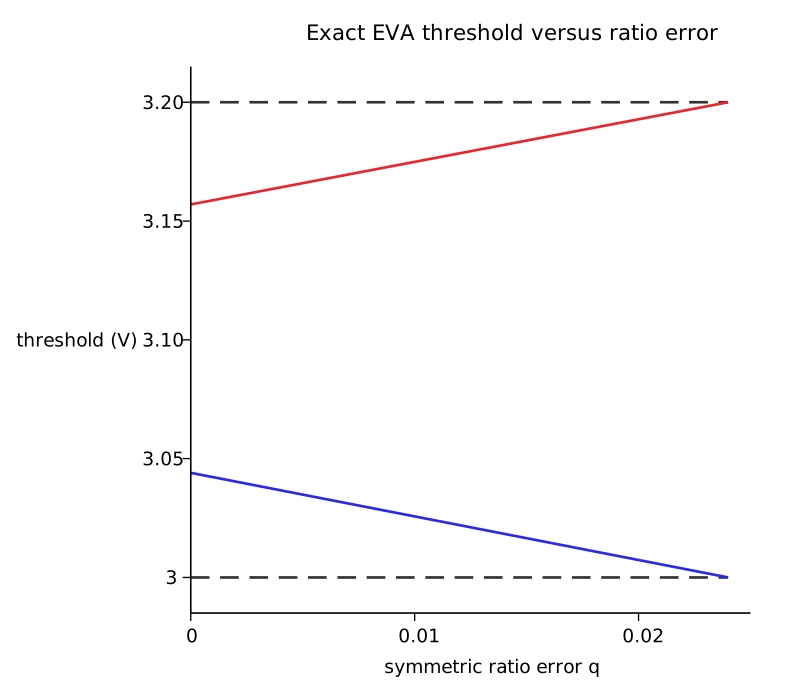
“Our 3.3 V rail monitor resets the processor when the rail drops. The reset has to happen between 3.00 V and 3.20 V. Will that work with the parts we chose?”
Routine analysis runs from a prompt. Engineers review and decide, instead of building each spreadsheet by hand.
Margins are checked over temperature and end of life before hardware exists. Without worst-case analysis, a flaw only shows once hardware is built and sent to test.
The math runs in Maple. Each phase is self-reviewed, a larger model audits the project, and the output arrives in the format your team uses.
The engine under the agent
Maple Loop does its math in Maple. You get exact symbolic and numeric results in documents you open, edit and rerun.
Years of engineering experience sit in past design reports, test results and calculation files that are hard to find and rarely reused. Maple Loop indexes them, so engineers can ask questions in plain language and build new work on methods your team has already proven.
With Maple Loop, your team can:
Ask your team’s past work
Engineers use Maple Loop to automate routine analysis, design calculations, system modeling and engineering documentation, with every calculation done in Maple. Here are some of the most common ways teams use it.
Check that specified parts hold their limits over temperature and end of life, with the tolerance build-up for every part and ranked fixes.
Size components, gear trains and drives against your requirements. Stress, flow and dynamic calculations run in Maple, with every step on the page.
Describe the system and get a MapleSim model you can simulate, tune and rerun with different parameters.
Turn calculations and test data into reports and review packs, with equations, plots and explanations in one document.
Move existing calculation files and scripts into live Maple Flow documents with units and full math, ready to check and reuse.
Turn a proven calculation into a template for the next project. Change the inputs, keep the derivation.
BCG, cited by Rescale (Jan 2026). Cadence AI for Design (2026). Aerospace Corp. TOR-2013-00297 on WCCA. Market figures are third-party, not Maple Loop results. 'Weeks to minutes' is from Maplesoft internal testing.
Example from a recorded run
Our crank press punches one part per revolution. The load profile and the machine notes are in the reference folder. The motor stalls on the punch at the moment, and a bigger motor is expensive. Size a flywheel and choose a motor so the press holds speed within the limit in the notes and the motor runs within its rating, and give us a MapleSim model of the drive we can rerun with different flywheels.
Flywheel and motor chosen to hold speed within your limit and inside the motor rating.
The press drive, ready to rerun with different flywheels.
Every calculation in a document you open, edit and rerun.
Maple Loop is in preview with selected engineering teams. Join the waitlist to see what it can do to your workflow.